Portal
Connect sales, delivery, people and client collaboration.
For software and service organisations. Explore the workflow below, then discuss a similar project →
Animated product demonstration. Example names, transactions and figures are illustrative.
Download Full HD ↓Product overview
A shared operating picture for the team.
Portal connects the work that surrounds a software or service project: lead follow-up, booking, delivery planning, daily execution and client collaboration. The film follows the actual Portal interface and its AmalAxis identity.
A deliberate project-creation step connects sales context to delivery. Teams organise lifecycle ownership, daily work and capacity, then keep quality evidence, linked tasks and design versions with the work they belong to.
Separate client access supports collaboration without exposing the entire internal workspace. Marketing planning, people operations, decisions and operated-product records give the wider organisation a shared context.
Practical use cases
Key features and business workflows.
Sales to delivery
Carry lead and discovery context into an intentionally created project.
Team execution
Connect daily work, ownership and capacity across delivery teams.
Quality and collaboration
Keep QA evidence, design versions and client feedback with the work.
Business operations
Coordinate people, marketing, decisions and operated-product records.
Product walkthrough
See Portal in action.
Explore the main modules below. Select a chapter to watch that workflow in the product demonstration.
Related expertise
Development services for a similar product.
Product questions
Portal: common questions.
Does marking a deal won automatically create a project?
The product uses a deliberate project-creation workflow. A sales outcome and a delivery project remain distinct records.
Can clients see all internal operations?
Client access is a separate surface with its own scope. The internal team workspace includes operational areas beyond client collaboration.
Read the English film transcript
Great work needs more than great people. It needs clear priorities, connected teams, and decisions that keep moving. That is where Portal comes in. Start from one workspace. Your day, active work, messages, and notifications are right there. Pin the tools you use most, then move straight into the work that matters. Bring every opportunity into focus. Track leads, owners, priorities, and stages. Keep the activity history close, share a booking link, and give the next conversation a clear place in your pipeline. Ready to deliver? Create a project. Set its type, categories, team, and timeline. Project cards bring progress, task counts, and ownership together, so the next step is easy to see. Keep the whole lifecycle connected. Development, quality assurance, operations, marketing, sales, and launch support. Open a project, assign its checklist items, and connect each responsibility to a task your team can follow. Now make today count. Pull a task from your Bucket into Today. Hit Start when work begins, and Done when it is finished. Priorities, project context, comments, and time records keep everyday delivery organized. See who is available and how much work they carry. Resources brings people, teams, active tasks, and workload into one view, before you make the next assignment. Bring quality into the workflow. Track cases, active runs, open bugs, and results across projects. Capture the evidence, link issues to development tasks, and give follow-up work the same clear ownership. Give clients their own portal. Share selected projects, files, meetings, and progress. Collect requirements and requests, while internal discussions stay with your team. Keep creative work with the project. Open its asset library, organize versions and brand kits, then bring review and approval into the same place as delivery. Connect the launch with marketing plans, personas, campaigns, touchpoints, and KPIs. Bring the calendar, budget, and creative assets together around the project they support. Support the people behind every milestone. Attendance, leave requests, employee records, and performance conversations give managers and HR a shared view of the team. Keep decisions moving through structured requests. Follow the approval steps, see who needs to act, and keep the conversation close with chat, announcements, and notifications. Need a faster way forward? Ask the AI Assistant about work in your scope. Review a proposed change, confirm when required, and move forward with the team in control. Bring products, servers, datastores, and environment records into one connected infrastructure catalogue. Portal. Bring work together. Discover Aivora Labs dot agency.
More work
More software projects to explore.
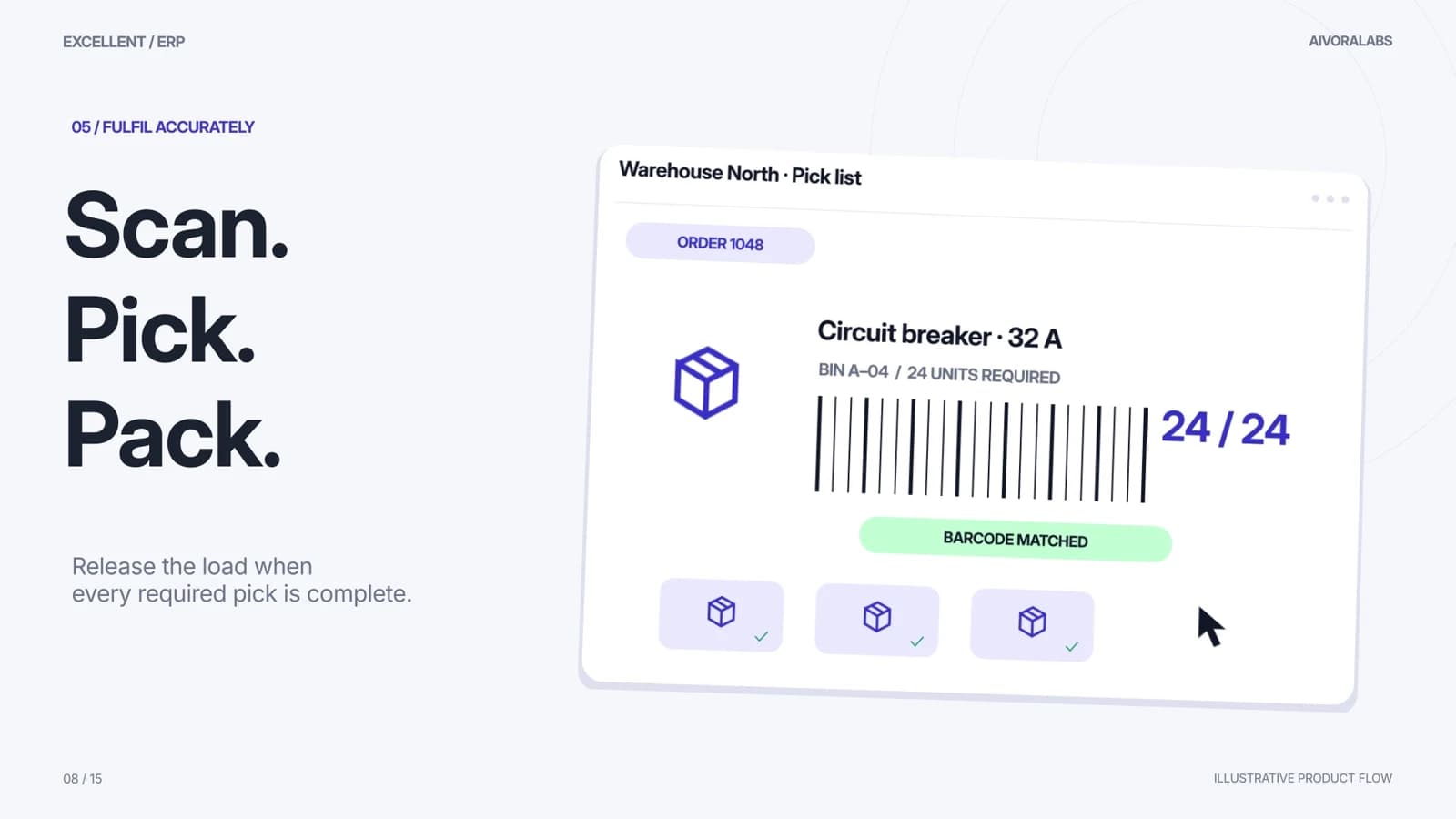 SW2:30 · Product demo
Excellent ERP
Connect every order, from purchase to delivery and collection.
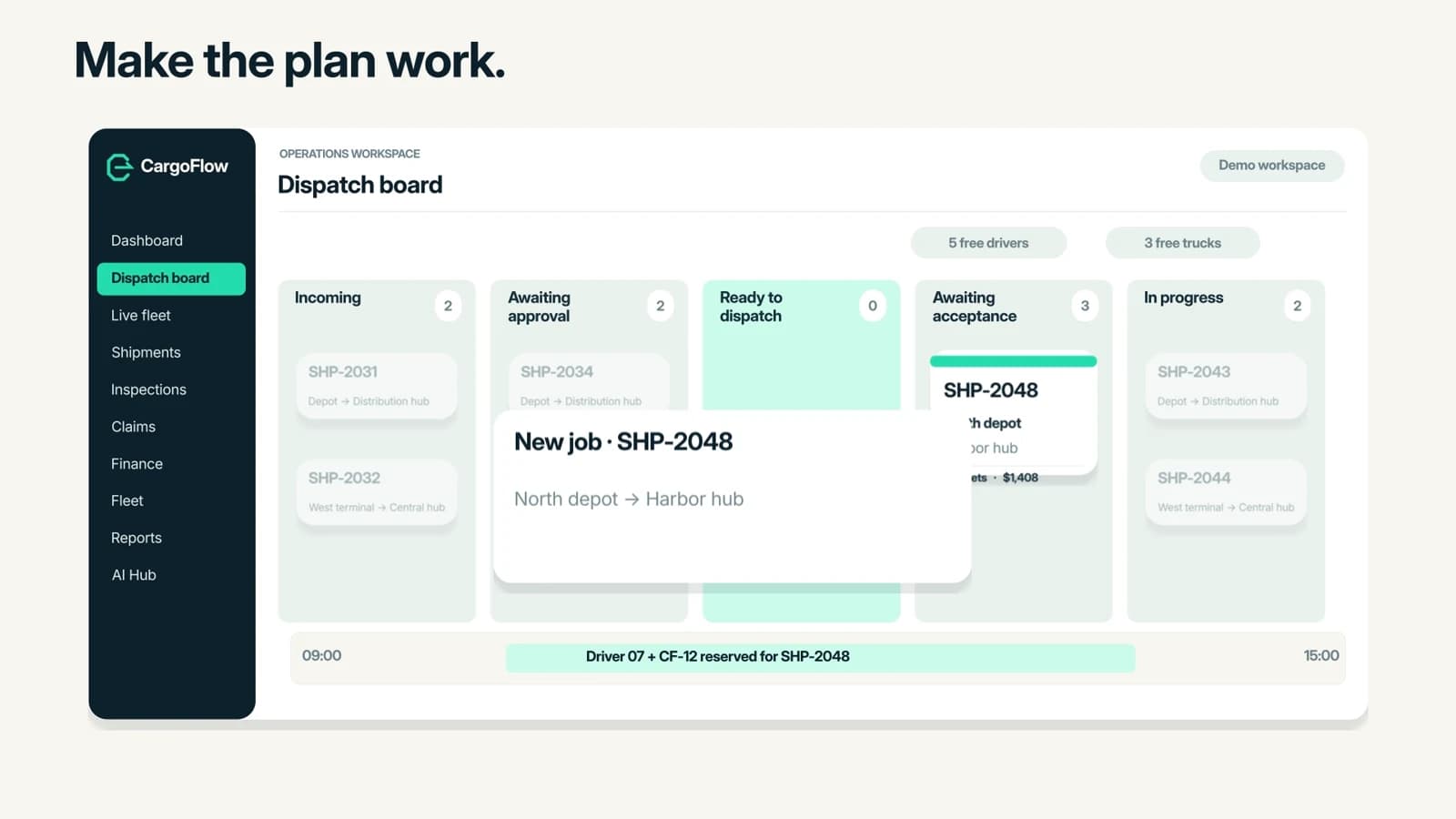 SW2:30 · Product demo
CargoFlow
One connected freight journey, from booking to settlement.
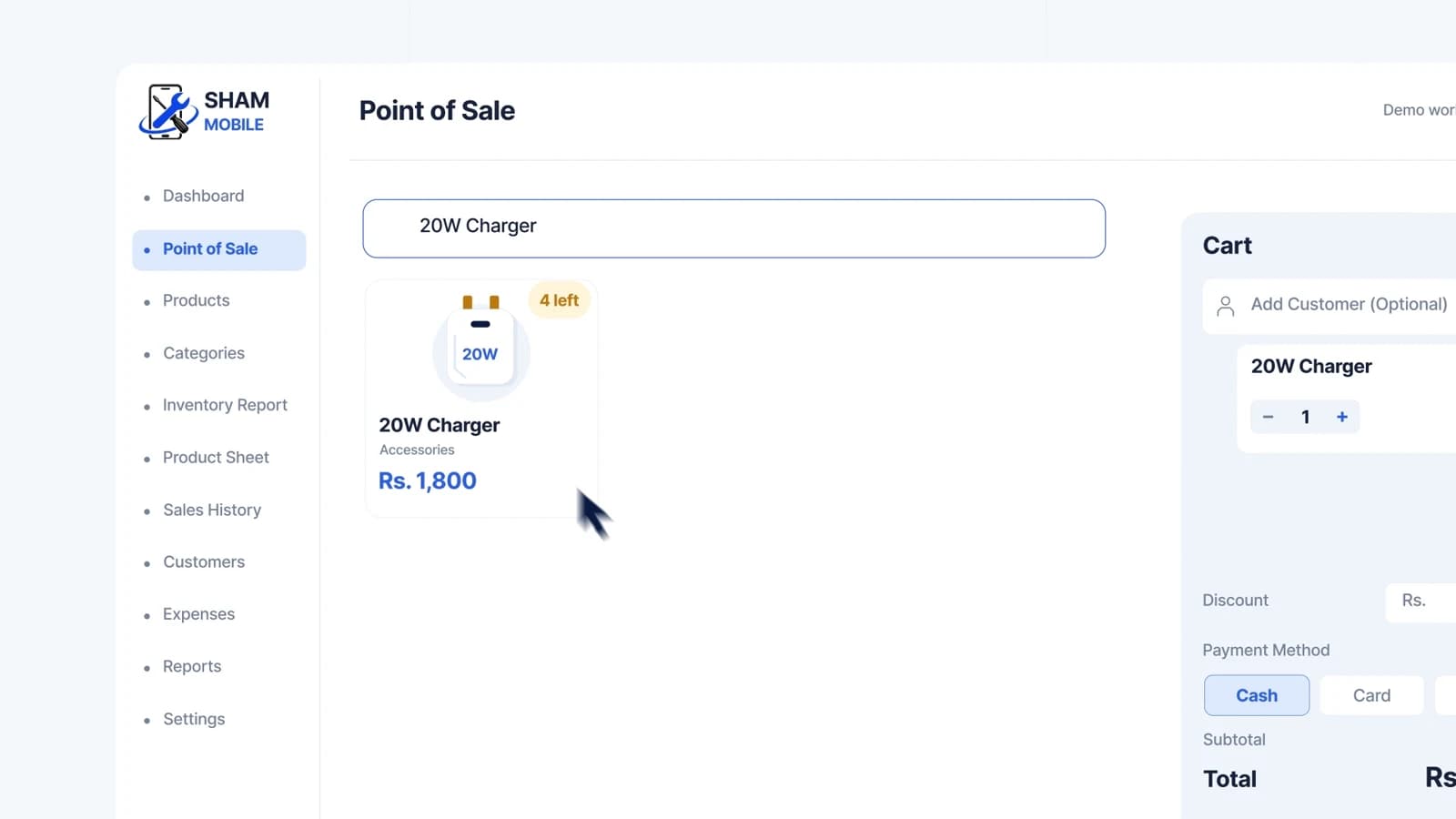 SW1:50 · Product demo
Small Shop CRM
A clearer day at the counter.