Tavolo
Bring the dining room, counter, kitchen and stock together.
For restaurant operators and branch teams. Explore the workflow below, then discuss a similar project →
Animated product demonstration. Example names, transactions and figures are illustrative.
Download Full HD ↓Product overview
One restaurant operation. Connected at every handoff.
Tavolo is a multi-tenant restaurant management system. It connects the work of the dining room, counter, kitchen and stock team while giving platform administrators a separate provisioning and tenant-management surface.
Branch teams work with tables, reservations, menu options and POS orders. Kitchen status and payment closure carry the service workflow forward, with roles and branch access shaping what each person can do.
Recipes connect menu items to ingredients. Inventory, purchasing, stock counts and reports support the operation beyond the counter, so the product covers service and the supplies that make service possible.
Practical use cases
Key features and business workflows.
Dining and POS
Coordinate tables, reservations, modifiers and counter orders.
Kitchen handoff
Keep preparation status connected to service.
Recipes and stock
Relate dishes to ingredients, purchases and stock counts.
Tenant and branch access
Separate platform administration from restaurant operations.
Product walkthrough
See Tavolo in action.
Explore the main modules below. Select a chapter to watch that workflow in the product demonstration.
Related expertise
Development services for a similar product.
Product questions
Tavolo: common questions.
When is a custom restaurant POS worth it instead of a packaged one?
A packaged POS is usually the better choice when your menu, service and stock process fit it. Custom becomes worth it when the counter has to share one record with work that packaged tools often handle separately, such as recipes that draw down stock, branch purchasing and counts, or several restaurant businesses on one platform with their own roles. Tavolo demonstrates that connected model: tables and reservations, POS orders with modifiers, kitchen tickets moving from New to Preparing to Ready, payment closure, recipe usage flowing into stock movements, purchase orders with partial deliveries, stock counts, and tenant boundaries with branch-scoped roles and separate platform administration. Payment terminal, delivery platform and accounting integrations are not part of the demonstration and would be scoped per project.
How does this differ from Agentic Ordering?
Agentic Ordering focuses on the customer’s AI-assisted food-ordering journey. Tavolo covers multi-tenant restaurant operations, including POS, dining, kitchen, inventory and purchasing.
Read the English film transcript
A full dining room. A busy kitchen. Every detail matters. Bring the whole restaurant into rhythm with Tavolo. One workspace connects your menu, floor, orders, kitchen, and stock. Start with a clear view of today, then move straight into the service you need to manage. Welcome your guests with a clear floor plan. See available, occupied, reserved, and dirty tables. Keep reservations and the waitlist close, and seat each party with confidence. At the point of sale, choose dine in or takeaway. Pick a table, set the guest count, and build the order from your menu. Clear categories keep the next item within reach. Give every order the right details. Choose a size, add extras, and capture special instructions. The line total updates as you go, before the item joins the order. Ready for the kitchen? Fire the order. A ticket carries the items, modifiers, table, and notes into the kitchen view. Move it from New to Preparing, then Ready, with clear status and timing at every step. When service is complete, review the total and record the payment. See the amount due and cash change clearly. A settled order closes, and the table moves to its cleaning state. Behind each dish, recipes connect menu items to ingredients and quantities. When the order closes, recipe usage flows into stock movements, linking what you sell to what you use. Keep branch stock in view. Track quantities, average costs, and low stock signals. Record receipts, wastage, and transfers, with a movement history that makes changes easier to follow. Plan replenishment with suppliers and purchase orders. Follow what was ordered and what has arrived, including partial deliveries. Receive goods into stock, then use stock counts to reconcile the shelf with the system. Bring the day into focus with sales trends, order counts, payment mix, and top selling dishes. Review ingredient costs and menu margins to support your next decision. Connect your branches and give each team member the access their role needs. Tavolo. Great service, connected. Aivora Labs dot agency.
More work
More software projects to explore.
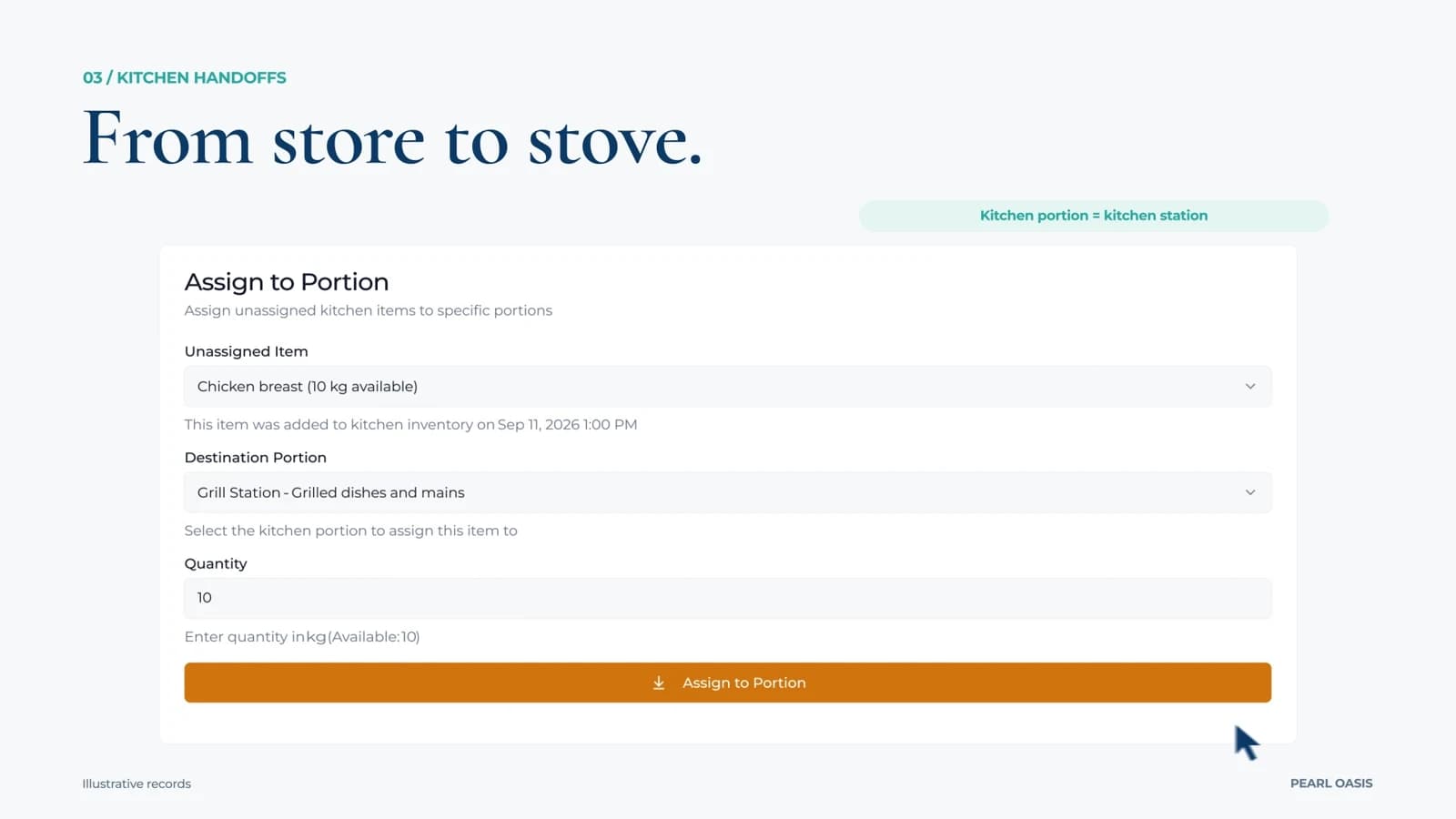 SW1:30 · Product demo
Pearl Oasis
Connect restaurant purchasing, kitchen stock and daily operations.
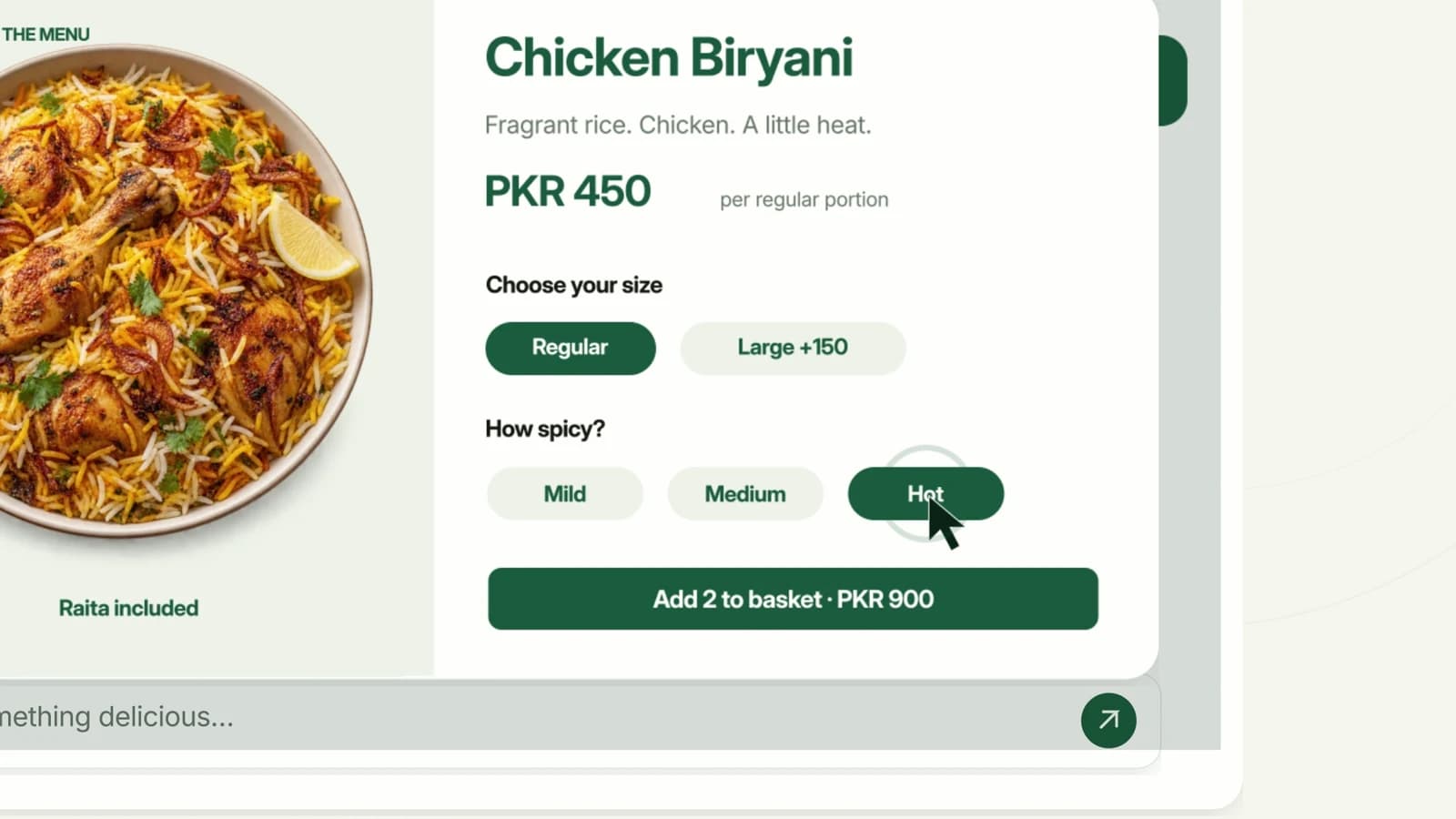 AI1:40 · Product demo
Agentic Ordering
From a conversation to a confirmed food order.
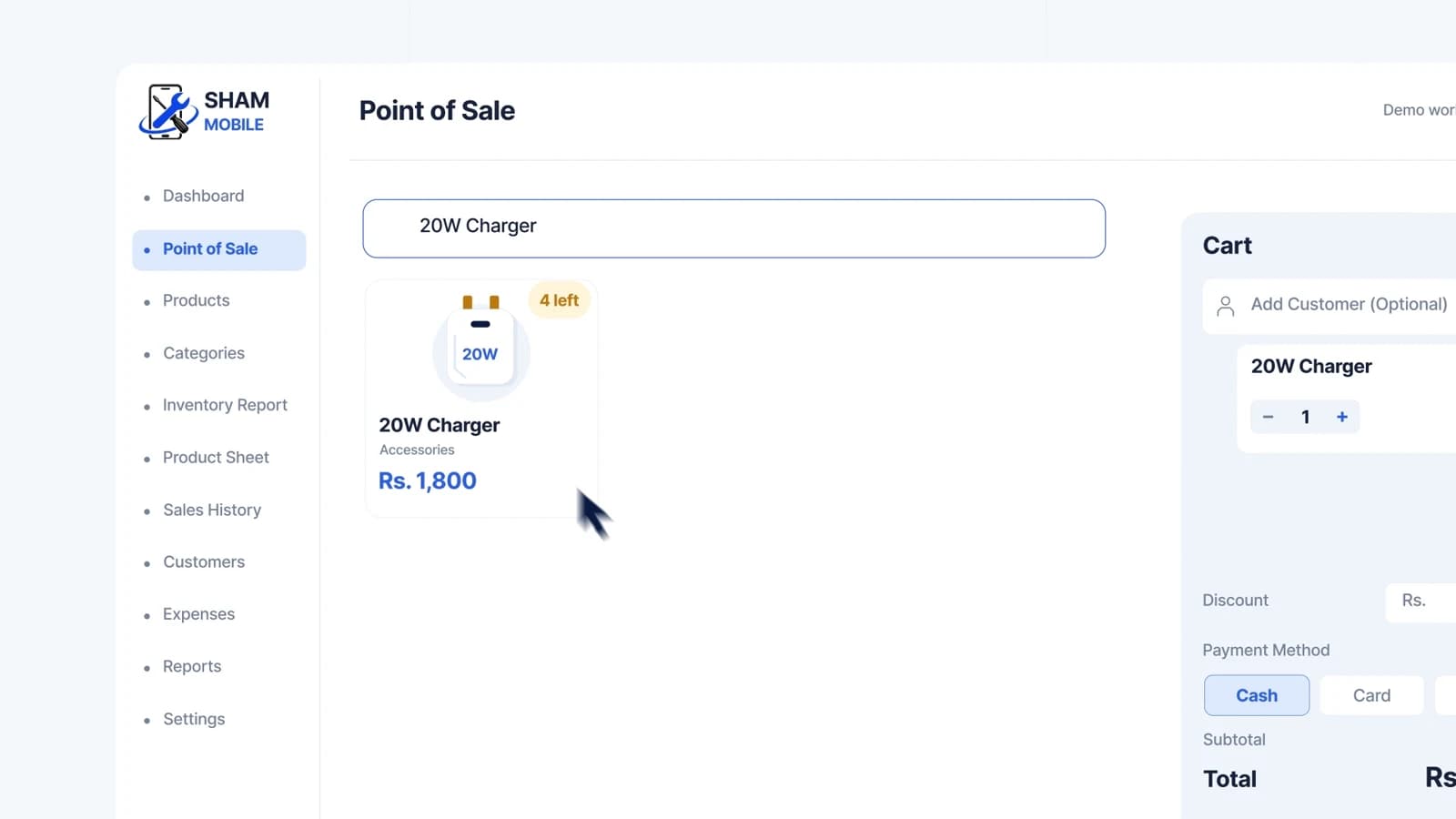 SW1:50 · Product demo
Small Shop CRM
A clearer day at the counter.