Business operations
Restaurant POS, Kitchen and Inventory: How the Workflows Connect
Connect order capture, kitchen preparation, payment and ingredients while preserving their different states. A ready dish, a closed order and a posted stock movement are distinct facts.
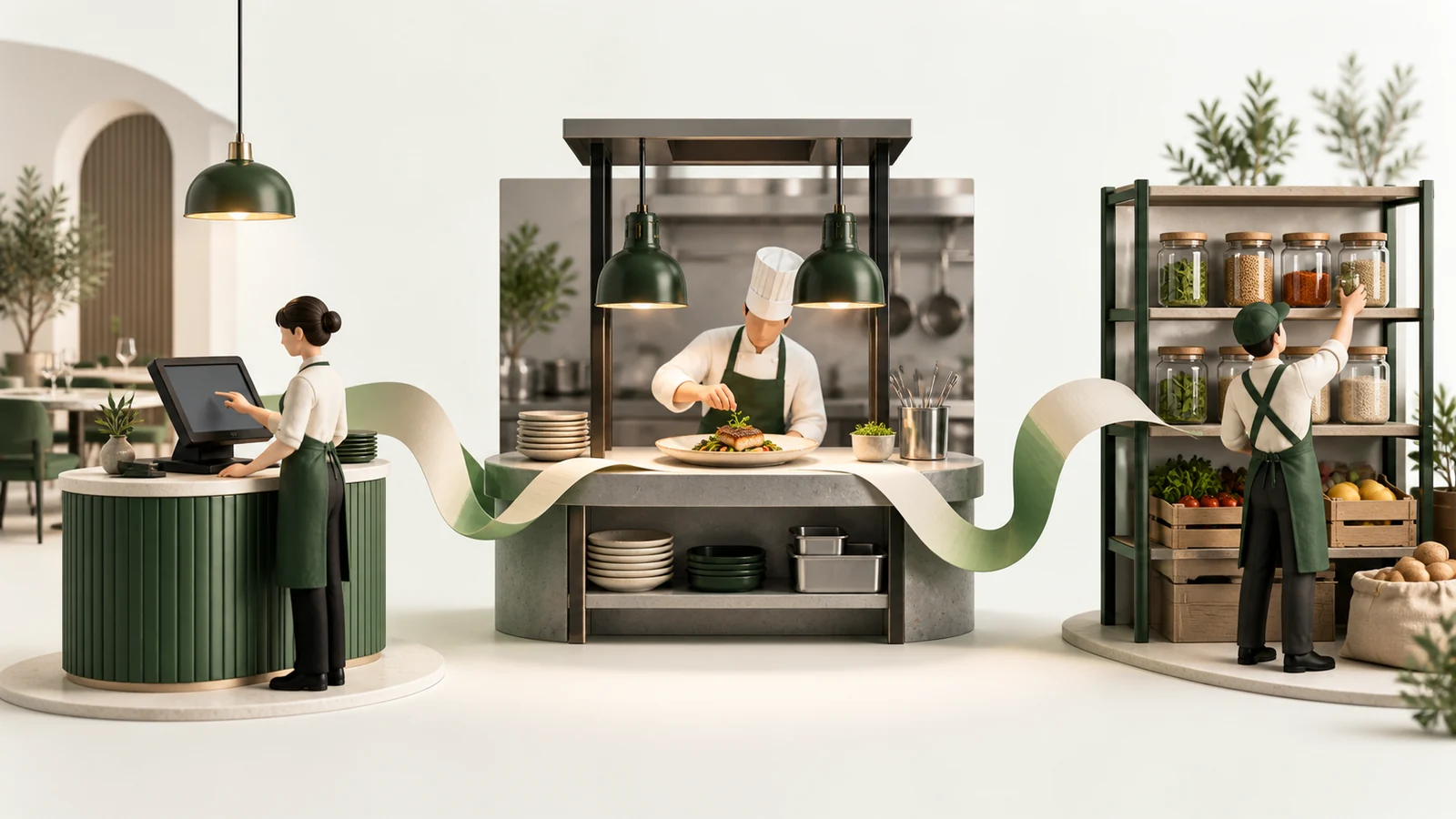
From service to stock reconciliation
- Capture menu items and choices
- Fire the order to the kitchen
- Track preparation separately
- Record payment and close
- Post recipe-based consumption
- Review stock and replenish
Connect the records without confusing their states
Restaurant software should connect order capture, kitchen preparation, payment and ingredient stock, while keeping each workflow's meaning clear. A dish being ready does not necessarily mean the bill is paid. A paid order does not prove that every stock adjustment succeeded. These distinctions make the system easier to operate and reconcile.
The Tavolo demonstration shows a restaurant management workflow spanning tables, reservations, POS, kitchen, recipes, inventory and purchasing. POS means point of sale: the till and order-entry experience. The kitchen display is the staff view of preparation work. Both belong to the same operation, but they serve different people.
For a new implementation, begin with one branch's service day. Follow an order from the moment it is captured until the table, receipt and stock records have reached the states the team expects.
Capture the order in a form the kitchen can use
An order line needs an exact menu item, quantity and any supported variant or modifier. Preparation notes should be visible where staff need them. The application should preserve the item's name and agreed price so a later menu edit does not rewrite an earlier sale.
Dine-in, takeaway and delivery may share menu records while needing different operational details. A table reference matters for dine-in. A delivery label does not automatically provide driver assignment or route tracking. Specify those capabilities separately if the business needs them.
Before release, test an item added twice, a quantity change, a discount and a request for an unavailable choice. Make sure the customer's bill and the kitchen's instructions remain understandable after each correction.
Define the kitchen handoff
The team needs a clear event that sends work to the kitchen. An open basket should not automatically be treated as a preparation instruction unless that is the agreed workflow. Staff also need to know whether later changes update an existing ticket or create another one.
Tavolo supports firing an order into a kitchen ticket and moving that ticket through preparation states. Its current workflow uses one ticket for the whole order. The presence of station information should not be presented as proof that each station receives its own independent ticket.
Ask how service staff learn that food is ready and how they handle a cancelled or changed item after preparation begins. These are operational decisions that affect the interface and the audit trail. A kitchen board should make the current responsibility clear rather than merely show colourful status cards.
Payment and closure have their own meaning
The order's financial state should be explicit: open, partially settled where supported, or closed after sufficient payment. Recording a payment method is different from integrating a payment processor. If a card terminal is external, the staff workflow must explain how the corresponding record is entered and checked.
In Tavolo, payment closure can allocate an invoice number and trigger table and ingredient updates. Kitchen readiness remains a separate state machine. This distinction prevents a ready ticket from being mistaken for a settled sale.
Table availability is another separate fact. A paid table may still need cleaning before it can be seated again. The system should help staff complete that transition rather than assume payment instantly makes the table usable.
Recipes connect menu sales to ingredients
A recipe specifies the ingredients needed for a menu item and the quantity produced by that recipe. The application can scale ingredient consumption according to the quantity sold. Units matter: purchases may arrive in kilograms or packs while recipes use grams or individual pieces.
Tavolo's implemented consumption path runs on order closure and uses active menu-item recipes. Menu items without an active recipe do not automatically consume ingredients. Variant and modifier selections do not independently define a different stock recipe in the current example. A restaurant needing that precision should make it an explicit requirement.
This is why “POS connected to inventory” is too broad for an acceptance statement. Ask when stock changes, which recipe version is used and what happens when a required mapping is missing.
Purchasing, receiving and counting complete the picture
Sales consumption describes only one direction of stock movement. Ingredients also arrive from suppliers, move between locations, become waste and differ from physical counts. Each event needs a reason and a responsible user.
| Event | Operational meaning | Useful control |
|---|---|---|
| Purchase order | The restaurant intends to buy | Supplier, branch, quantities and approval |
| Goods receipt | Ingredients actually arrived | Received quantities and unit conversion |
| Sale consumption | A closed order used ingredients | Recipe mapping and repeat-safe posting |
| Waste | Stock became unusable | Quantity and reason |
| Transfer | Stock moved between locations | Matching outgoing and incoming records |
| Physical count | Staff observed a balance | Reviewable adjustment against the recorded quantity |
Marking a purchase order “sent” is not evidence that an email reached the supplier. Likewise, a saved stock count is not necessarily a posted adjustment. Use labels that tell operators what has actually happened.
Make reconciliation visible
A restaurant should be able to complete service even when a secondary process needs recovery. But that choice must create visible follow-up. In Tavolo's source, order closure can remain successful if a table or inventory side effect fails. That makes operational reconciliation important.
Define a review process for closed orders without expected stock movements, missing recipes and unusual negative balances. Staff should be able to investigate and correct the underlying issue without duplicating the original sale. A silent failure hidden behind a successful payment screen is difficult to recover later.
Start with a few test orders whose expected ingredient usage is known. Compare the calculated movements with a manual worksheet. Include a modifier, a missing recipe, a void before closure and a repeated payment attempt.
Roles and rollout priorities
Cashiers, kitchen staff, inventory managers and owners need different controls. Branch membership should determine which records they can access, while capabilities determine which actions they can perform. A multi-tenant platform also needs a clear boundary between restaurant operations and platform administration.
Roll out the connected workflow in a manageable order: menu and order capture, kitchen handoff, payment closure, accurate recipes, receiving and counts, then management reports. Train staff using a rehearsal environment and document the fallback for a device or connection failure.
Tavolo and Pearl Oasis are separate product examples. Do not assume an integration between them. If your restaurant already has a POS or inventory tool, first assess the actual data exchange needed through software integration. For a distinctive operating flow, explore custom software development. Discuss your restaurant workflow.
Product demonstration
See Tavolo in context
Bring the dining room, counter, kitchen and stock together.
Explore the workflow and full transcript →
Animated product demonstration. Example names, transactions and figures are illustrative.