Business operations
CRM for a Local Shop: Start With Sales, Stock and Customer History
For a local shop, the first useful CRM often connects the counter transaction with stock and customer history. Start with those daily jobs before adding enterprise complexity.
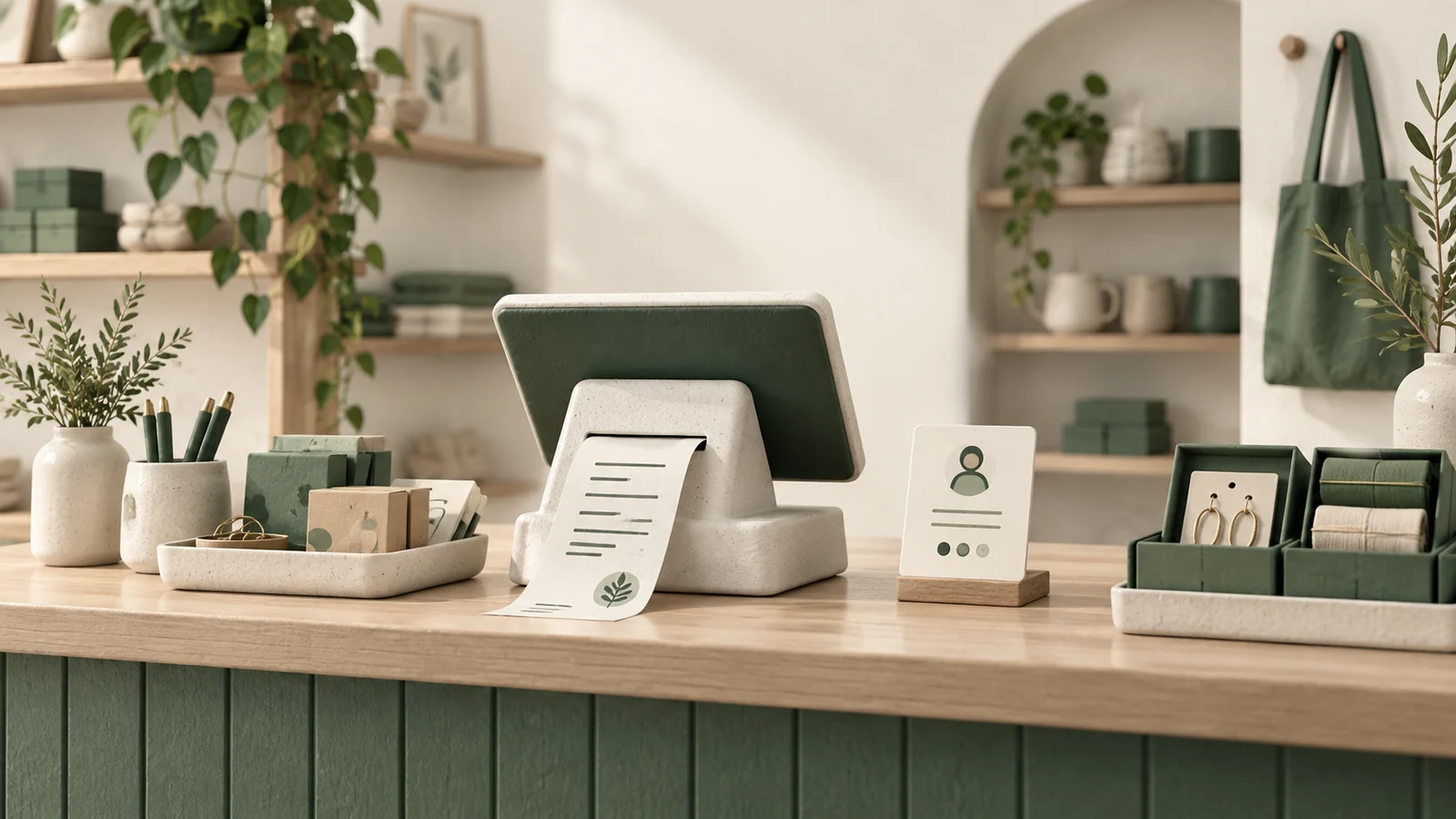
One sale, connected records
- Find products and quantities
- Select a customer or walk-in
- Review price and discount
- Record the sale and receipt
- Update the stock balance
- Review customer history and reports
Begin with the transaction at the counter
For many local shops, the first useful CRM connects sales, stock and customer purchase history. Staff should be able to find an item, record the agreed sale, issue a receipt and see the resulting stock balance. More elaborate lead automation can wait until there is a real process for it to support.
CRM means customer relationship management, but the label covers very different products. A shop serving walk-in customers may need a reliable purchase history rather than a sales pipeline with lead stages and outbound campaigns. Define the everyday job before choosing the software category.
The Small Shop CRM demonstration illustrates this narrower scope. It connects a catalogue, counter sale, customer record, stock balance, expenses and reports. The film retains the product's shop identity and uses illustrative records; it is not a claim of measured financial results.
Walk through a real selling moment
Imagine a customer buying a charger and a case. The staff member finds both products, confirms quantities and prices, applies an agreed discount and records the payment method. If the customer wants their purchase attached to an existing record, staff select that person. A walk-in sale can still be completed without inventing customer details.
The result should be one coherent transaction. The sale lines, receipt and stock change should agree. If checkout fails, the interface should not suggest success while the stock remains unchanged. If the staff member retries, the system should make the outcome clear.
Before buying, ask to demonstrate that sequence with a quantity correction, a changed product price and an unavailable item. These are more revealing than a tour of dashboard charts.
Keep catalogue and stock responsibilities clear
A useful product record usually needs a stable identity, name, category, barcode where relevant, purchase cost, selling price and current quantity. Decide who maintains each field and how newly received goods enter the balance.
Small Shop CRM uses a simple product stock balance. That is different from a full warehouse movement ledger with purchasing, receiving and inter-branch transfers. A small operation may find the simpler model sufficient, but should understand what its reports can explain.
Recording an expense called “Product Purchase” does not automatically replenish inventory in this example. Money spent and units received are separate facts. If staff need a purchase order, partial delivery and supplier reconciliation workflow, include that explicitly in the next scope rather than assuming it exists behind an expense label.
Customer history should answer a practical question
The first useful customer view is often uncomplicated: who is this customer, how can the shop contact them for the requested transaction, and what did they previously buy? Search by a reliable identifier and avoid duplicate records where possible.
History helps staff find an earlier receipt or understand a returning customer's purchase. It does not automatically provide loyalty points, warranty administration, repair tracking or marketing permission. Those require their own records and decisions.
Only collect details the shop has a clear reason to use. Staff should not need to enter a phone number simply to sell an accessory to a walk-in customer. If the business later introduces marketing, its contact permissions and preferences need to be handled deliberately.
Preserve what was agreed at the time of sale
Product descriptions and prices change. Historical receipts should continue to show what was actually sold and agreed. In Small Shop CRM, sale lines preserve the relevant product and price values rather than rebuilding old receipts from today's catalogue.
Corrections need a similarly clear path. Ask whether a mistake is edited, voided, deleted with an audit record or handled through a refund. These choices affect stock and reporting. The demonstrated product has a deletion and re-entry correction path; that should not be described as a complete refund workflow.
Payment labels also need plain interpretation. A record marked cash, card or online describes the tender recorded by staff. It does not by itself prove that the application processed a payment through an acquiring gateway.
Read the reports according to their definitions
| Report | Useful question | Check before relying on it |
|---|---|---|
| Daily sales | What was sold in this period? | Included statuses, corrections and date range |
| Stock report | What quantity remains? | How receipts and adjustments update the balance |
| Customer history | What did this person buy? | Correct customer matching and walk-in treatment |
| Expenses | What spending was recorded? | Categories, dates and whether records affect stock |
| Profit view | How is the displayed result calculated? | Captured item costs, discounts and expense treatment |
Do not assume a shop report is a full accounting ledger. In particular, discuss how purchasing costs and operating expenses are counted so the team does not interpret the same spending twice. Have the person responsible for the books agree the intended report meaning.
Use a few known transactions to reconcile the figures. A simple report whose arithmetic everyone understands is more useful than a polished dashboard with ambiguous totals.
Access and backups belong in the first release
A shop still needs to decide who can alter prices, remove sales and access backups. A shared authenticated workspace may suit an early version, while a larger team may need more specific permissions. Do not assume role separation merely because users have separate logins.
Backups should be tested by restoring into an isolated environment. An export file's existence is only the beginning. Determine whether it includes stock, sales, customers, settings, media and audit records. Distinguish an additive import from a full replacement restore.
Small Shop CRM includes backup tools, but its different export and import paths have different coverage. A deployment plan should identify the chosen backup method and verify the recovery procedure actually intended for that shop.
What a small shop can postpone
You may not need marketing automation, multi-branch allocation, supplier portals or predictive recommendations in the first version. Keep them out unless they solve a current, recurring problem. Start with dependable selling, stock maintenance, customer lookup, correction and end-of-day review.
Prepare a sample receipt, a sanitized product list and the questions the owner asks each evening. These make a useful brief for custom software development. Discuss your shop workflow, and use the film below to compare the proposed scope with a concrete example.
Product demonstration
See Small Shop CRM in context
A clearer day at the counter.
Explore the workflow and full transcript →
Animated product demonstration. Example names, transactions and figures are illustrative.